Samsung VXT:

Compatible Hardware and Devices

Samsung VXT is a cloud-native platform that tackles one of digital signage's biggest challenges: hardware compatibility. Designed to work across a wide range of devices, it adapts easily to different setups, making it widely hardware-agnostic. 

Chapter 1

Samsung VXT Compatibility Devices


Samsung VXT is a cloud-native content management system built to simplify digital signage operations. It allows organisations to manage displays across multiple locations, keeping content fresh, scheduled and easy to monitor. 

VXT integrates smoothly with existing hardware and supports a wide range of displays, making it a reliable choice across industries. Key features include remote management, real-time updates, content scheduling and early warnings, all designed to keep signage running efficiently. 

To get the most out of VXT, compatible hardware is essential. While the platform supports all digital signage hardware, we made an overview of the displays and devices that work seamlessly with the VXT. 

List of Compatible Samsung Displays

Samsung’s range of VXT-compatible displays is designed to meet the needs of various environments, supporting the functionality of the Samsung VXT compatibility CMS. From indoor and outdoor signage to speciality displays, these solutions offer superior performance, durability and flexibility. Below is a concise list of VXT-compatible displays that cover the various needs of different industries. 

  1. Standalone Signage
  2. Colour E-Paper
  3. Stretch Signage
  4. Outdoor Signage
  5. All-In-One
  6. Indoor LED S-BOX
  7. ProTV
  8. Non-Samsung

1. Standalone Signal

Samsung VXT is fully compatible with a wide range of Standalone Signage displays. Depending on the model, users can access features such as Sync Play, Content Embargo, Multi Screen Enrollment and more advanced capabilities like Early Warning and Backlight Scheduling.


Feature

QXR Series (QHR, QMR, QBR, QPR, QER)

QXN Series (QMN, QBN, QEN)

QPR-8K Series

QPA-8K Series

QXB Series (QHB, QMB, QBB)

QXC Series (QHC, QMC, QBC)

QPDX-5K

OXN Series (OMN, OMNS, OMN-DS, OHN)

Sync Play

Tag Condition

Content Embargo

Multi Screen Enrollment

Preset

Backlight Scheduling

Early Warning

Power Consumption Check


2. Colour E-Paper

Samsung VXT is compatible with the Colour E-Paper EMDX display. This model supports the majority of VXT's key features, including Sync Play, Tag Condition, Content Embargo, Multi Screen Enrollment, Preset, Backlight Scheduling and Early Warning. The only feature not supported is Power Consumption Check. 

3. Strech Signage

Samsung VXT supports two Stretch Signage models: the SHR and the SHC. Both models are compatible with Sync Play, Tag Condition, Content Embargo and Multi Screen Enrollment. The SHC goes further, also supporting Preset, Backlight Scheduling and Early Warning, making it the more feature-rich option of the two. Neither model supports Power Consumption Check. 

4. Outdoor signage

Samsung VXT supports a range of Outdoor Signage displays across five model series. All models are compatible with the core VXT features, including Sync Play, Tag Condition, Content Embargo and Multi Screen Enrollment. The OHB Series and OXDX Series offer a broader feature set, adding support for Preset, Backlight Scheduling and Early Warning. Power Consumption Check is not supported across any of the Outdoor Signage models.


Feature

OMR

OMB, OH46B, OHF-S

OXA Series (OMA, OHA, OHA-S)

OHB Series (OHB, OHB-S)

OXDX Series (OHDX, OMDX)

Sync Play

Tag Condition

Content Embargo

Multi Screen Enrollment

Preset

Backlight Scheduling

Early Warning

Power Consumption Check


5. All in one

Samsung VXT is compatible with the All-In-One IAB/IAC display. This model supports nearly all of VXT's key features, including Sync Play, Tag Condition, Content Embargo, Multi Screen Enrollment, Preset, Backlight Scheduling and Early Warning. The only feature not supported is Power Consumption Check.

6. Indoor LED S-BOX

Samsung VXT supports two Indoor LED S-BOX models: the SNOW-RAF/SNOW-AAE and the CS4B/CX4B. Both models are compatible with Sync Play, Tag Condition, Content Embargo and Multi Screen Enrollment. The CS4B/CX4B goes further, also supporting Preset, Backlight Scheduling and Early Warning, making it the more feature-rich option of the two. Neither model supports Power Consumption Check.

7. Pro TV 

Samsung VXT is compatible with the ProTV BEC-H Series. This model has more limited feature support compared to other displays, covering Sync Play, Tag Condition and Content Embargo. Features such as Multi Screen Enrollment, Preset, Backlight Scheduling, Early Warning and Power Consumption Check are not supported. 

8. Non-Samsung 

Samsung VXT also supports Non-Samsung devices running either Android or Windows. Both share the same level of compatibility, supporting Sync Play, Tag Condition, Preset and Backlight Scheduling. Content Embargo, Multi Screen Enrollment, Early Warning and Power Consumption Check are not supported on either platform. 

  
Chapter II

Other Device Compatibility

VXT also supports some other devices, giving businesses the flexibility to use third-party displays while still benefiting from VXT’s powerful content management. This compatibility allows organisations with different display requirements to integrate VXT into their existing setup without having to rework their hardware. Below are other options available:

  1. VXT Player on Virtual Screens

  2.  VXT on BrightSign Player


1. VXT Player on Virtual Screens

The VXT Player can also be used with virtual screens, so organisations don’t need physical screens to manage their content. This allows them to easily transfer and control signage in digital environments, such as cloud-based platforms and ensures smooth content delivery without the need for physical devices. This makes the solution flexible and scalable for different business requirements.

2. VXT on BrightSign Player

VXT is also compatible with BrightSign devices, giving businesses more flexibility when choosing digital signage hardware. Running on BrightSign OS 9, VXT supports video and image playback for stable and reliable content delivery across BrightSign-based installations. This enables organisations to manage digital signage content on both Samsung and non-Samsung hardware through a single platform, helping simplify deployment and day-to-day operations.

System Requirements and Technical Specifications

VXT requires specific hardware and software specifications to ensure optimal performance. Understanding these requirements is essential for a smooth experience. The VXT platform is designed to work efficiently with a range of devices, but adhering to the recommended specifications will help minimise potential issues and improve functionality. 

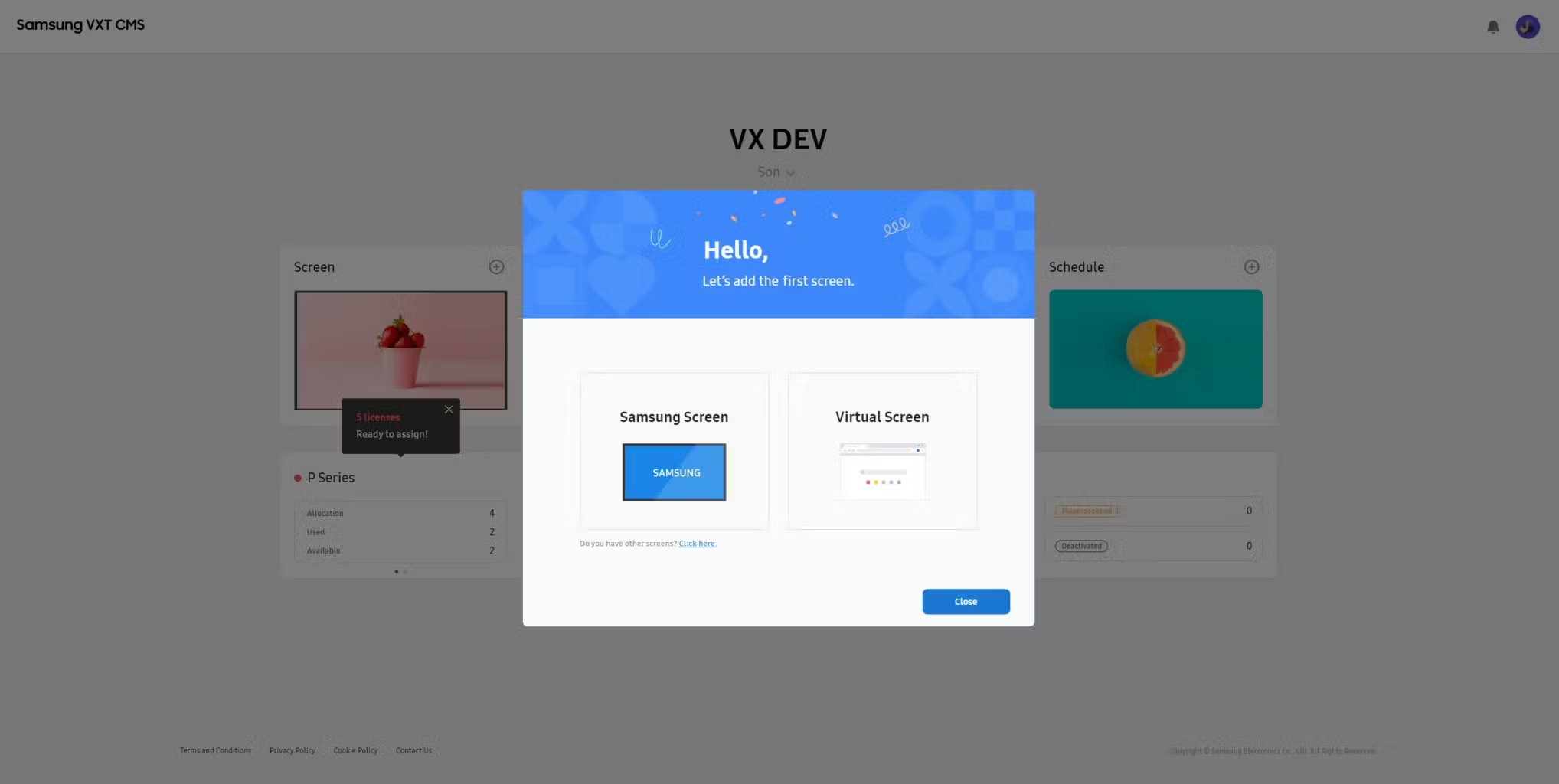
The VXT Player is designed to run on Samsung digital signage devices with Tizen 6.5 and is also compatible with all Android devices available through the Google Play Store. In addition, older Tizen devices with versions 4.0 to 6.0 are also supported. Also, any hardware equipped with a Chrome browser can be connected to the web-based VXT player so that it can function as a digital display. This broad compatibility ensures that users have a wide range of options for using VXT effectively. 

To ensure that everything runs smoothly, it is important to have a good CPU and enough RAM. These components have an important role in the performance of VXT, especially when handling multiple displays or using high-quality media content. Choosing a device with the right specifications will help you work more efficiently and get the best performance out of the VXT platform. 
 

f44e8bac-cead-4cc3-bf67-5ceb8e1c1769_Flexible+compatibility

To learn more about specific hardware and software requirements as well as best practices for setup, schedule an appointment with VXT Services. Our experts will provide you with comprehensive insights and detailed recommendations so you can make informed decisions about your VXT-compatible hardware and software setups to ensure a reliable and efficient experience.

  
Chapter III

Conclusion

To summarise, Samsung VXT-compatible hardware and devices offer businesses a powerful way to effectively manage digital signage. With a wide range of displays that can be adapted to different environments, you can deliver engaging content that captures customers' attention and improves interaction with them. By choosing the right hardware, companies can streamline their operations and make content management easier. 

Moreover, VXT offers the flexibility to integrate non-Samsung displays, enhancing its compatibility beyond just Samsung products. Selecting the right hardware for your setup is essential for ensuring optimal performance and a seamless experience. To make the most of your VXT platform, you need to follow the recommended system requirements. For personalised support and expert advice, the VXT Services team is here to help you navigate hardware compatibility and system configurations. 


Frequently Asked Questions

1. What is VXT and how does it benefit my business?

VXT is a cloud-native content management system for digital signage. It lets you manage displays across multiple locations with remote management, real-time content updates, scheduling, and early warning alerts — keeping your signage running efficiently without on-site intervention. 

2. What Samsung displays are compatible with VXT?

VXT supports a broad range of Samsung displays: Standalone Signage, Colour E-Paper (EMDX), Stretch Signage (SHR and SHC), Outdoor Signage (five model series including OHB and OXDX), All-In-One (IAB/IAC), Indoor LED S-BOX (SNOW-RAF/SNOW-AAE and CS4B/CX4B), and ProTV (BEC-H Series). 

3. Can I use non-Samsung displays with VXT?

Yes. VXT supports non-Samsung devices running Android or Windows, both with the same feature set: Sync Play, Tag Condition, Preset, and Backlight Scheduling. Note that Content Embargo, Multi Screen Enrollment, Early Warning, and Power Consumption Check are not available on non-Samsung devices. VXT also works with BrightSign players (on BrightSign OS 9) and virtual screens. 

4. Is there support for Android and Windows-based displays?

Yes, both are supported with equal feature parity — Sync Play, Tag Condition, Preset, and Backlight Scheduling. However, some advanced features (Content Embargo, Multi Screen Enrollment, Early Warning, Power Consumption Check) are not available on either platform. 

5. What are the system requirements for running VXT?

VXT Player runs natively on Samsung displays with Tizen 6.5, and is also available via the Google Play Store for all Android devices. Any device with a Chrome browser can connect to the web-based VXT Player. A capable CPU and sufficient RAM are recommended, especially for multi-display setups or high-quality media. For detailed hardware/software specs, VXT Services can be consulted directly. 

6. Can I use VXT with older Tizen displays?

Yes. In addition to Tizen 6.5, VXT supports older Tizen versions 4.0 through 6.0.  advantage of VXT's content management features.

7. What are the benefits of using VXT with LED Signage S-Box?

VXT supports two Indoor LED S-BOX models. The CS4B/CX4B is the more capable of the two, supporting Sync Play, Tag Condition, Content Embargo, Multi Screen Enrollment, Preset, Backlight Scheduling, and Early Warning — giving you comprehensive control over large-format LED installations. The SNOW-RAF/SNOW-AAE covers the core features (Sync Play, Tag Condition, Content Embargo, Multi Screen Enrollment). Neither model supports Power Consumption Check. 

Contributors:

Latest Articles

From Our Blog

Stay up-to-date with what is new in our industry, learn more about the upcoming products and events.

How Samsung VXT Manages Spatial Signage: Deployment Guide for Commercial Displays
Samsung Spatial Signage

How Samsung VXT Manages Spatial Signage: Deployment Guide for Commercial Displays

16-Jun-2026 7 min read
The Samsung VXT Onboarding Guide: From Subscription to Live Screen

The Samsung VXT Onboarding Guide: From Subscription to Live Screen

12-Jun-2026 6 min read
Samsung VXT AI Studio: Turn One Product Image into a Signage Video in Minutes

Samsung VXT AI Studio: Turn One Product Image into a Signage Video in Minutes

15-May-2026 5 min read